Scan from the field
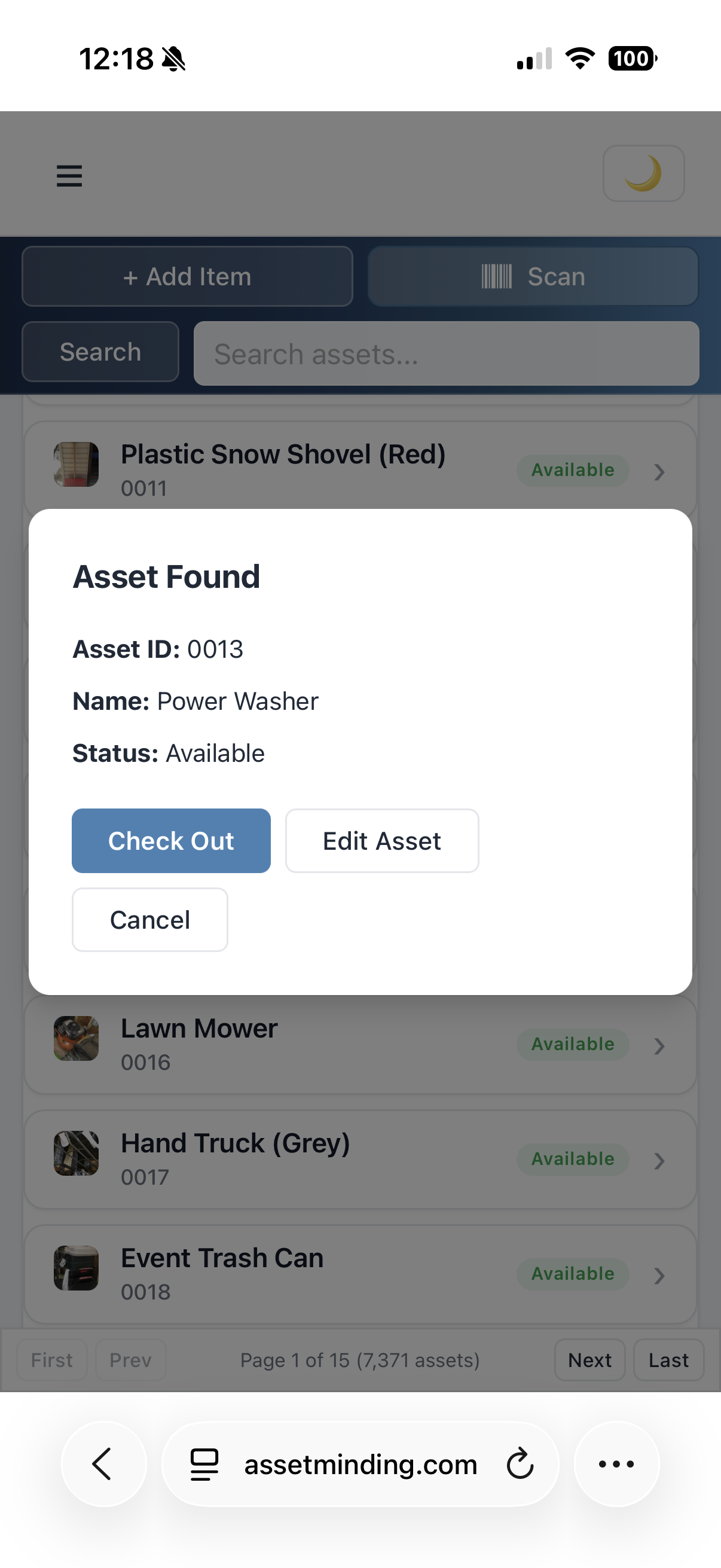
Scan an asset tag from a mobile browser or scanner to find the asset record, update status, or start a checkout and check-in workflow.
Barcode Asset Tracking Software
Asset Minding helps teams scan asset tags, print barcode labels, manage checkouts, import existing inventory, and run clear reports from one cloud-based asset tracking system.
Free for up to 250 assets. Upgrade only when you need more capacity. No payment ever required for a free plan.
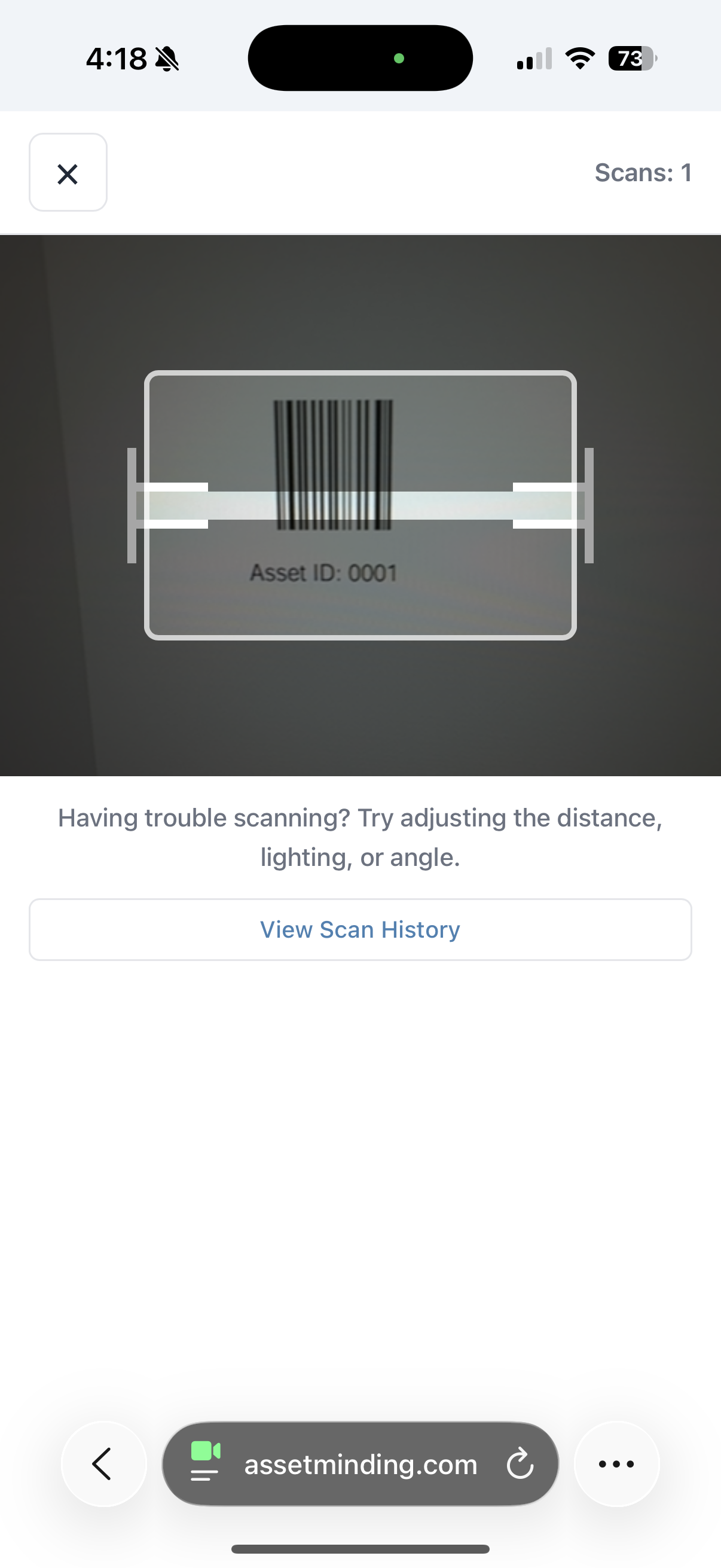
Use barcode asset tracking to reduce manual entry, speed up audits, and keep equipment records accurate as assets move.
Scan an asset tag from a mobile browser or scanner to find the asset record, update status, or start a checkout and check-in workflow.
Generate barcodes and print labels with a label printer, then apply them to devices, tools, carts, furniture, and shared equipment.
Record who has an item, where it belongs, when it was checked out, when it is due back, and when it returned.
Filter and export asset reports by location, category, status, assignee, department, serial number, or custom fields.
Spreadsheets can store asset numbers, but they do not make scanning, checkout history, image records, imports, and audits easy. Asset Minding connects barcode labels to live asset records your team can actually use.
Yes. Asset Minding lets you generate barcodes for your assets so you can print labels with a label printer and apply them to equipment you already own.
No. You can scan from a mobile browser, and teams that already own scanners can use them where they fit the workflow.
Yes. Barcode scanning can help quickly locate an asset record so staff can check items out, check them back in, and preserve a clear history.
Use Asset Minding free for up to 250 assets.
Create Free AccountLog In